
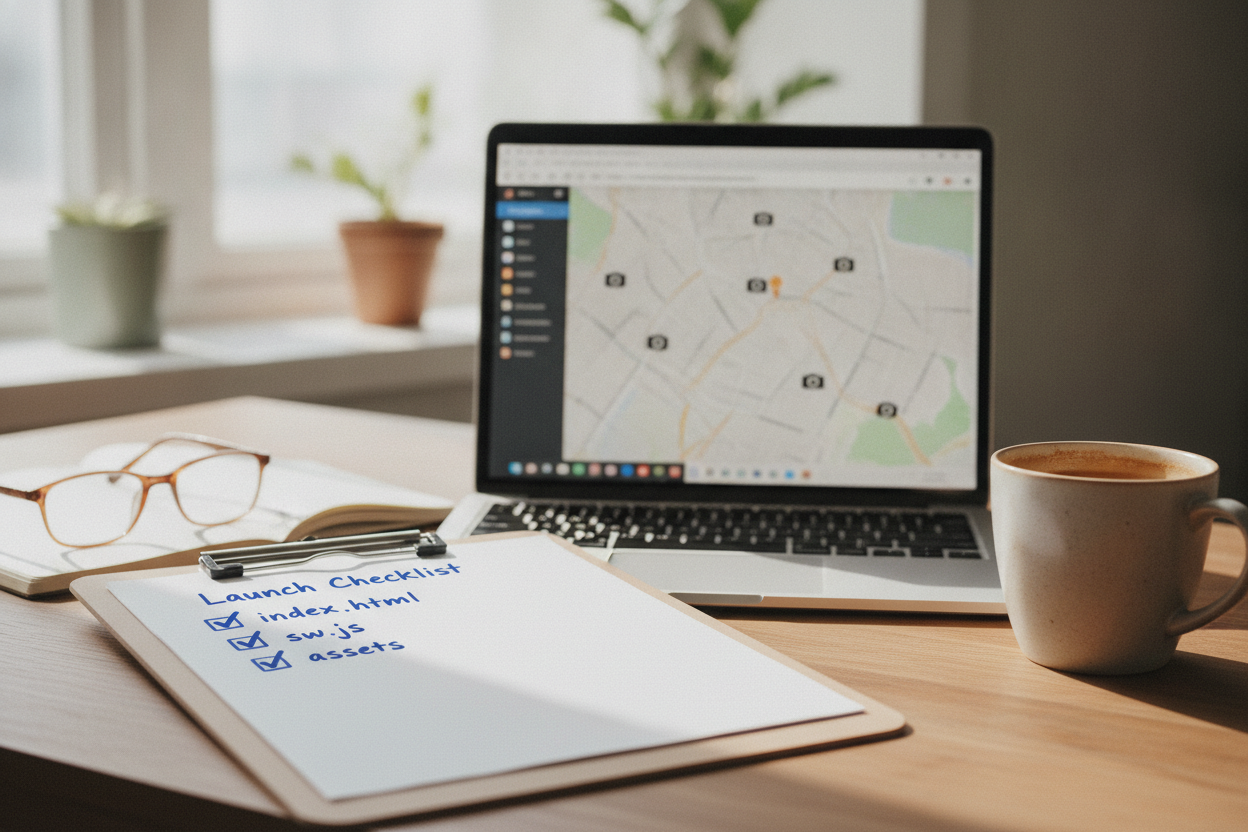
Before you go live, a short checklist can save you from avoidable launch problems. Start by confirming that index.html is in the root of the site and that sw.js is uploaded to the correct location. Then make sure all images, scripts, and styles referenced by the homepage are present on the server. If any file is missing, the live version may not match what you built on your laptop.
Next, open the site in a browser and test the most important interactions. For photoonmaps.com, that means checking the map display, image loading, and any navigation or filtering features. If the service worker is part of your setup, confirm that it registers without errors and that the browser is allowed to use it over HTTPS. A live test is the fastest way to catch problems that local previews sometimes hide.
Finally, review the site on more than one device if you can. A desktop-only check can miss mobile layout issues or caching quirks. The goal is to ensure that the exact files you created locally are the same files visitors see online. When your checklist is complete, you can publish with more confidence knowing the launch reflects your original design and behaves as intended.
Leave a Reply